
Professional media control for funeral services
Tribute Director gives funeral professionals complete control of music, video, slideshows and lyrics with confidence and ease.
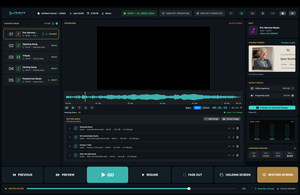
Multi-output audio with independent volume, mute and delay controls. Programme and Confidence display assignment. A clearer operator workspace.
- Running Order & Go Controls
- Standby / Preview & Programme
- Slideshow, Video & Audio Playback
- Multi-Screen Lyrics
- External Display Support
- Black Screen & Transitions
Choose
Monthly
Annual or Perpetual
One screen
Built for reliability
Confident live control
Control from anywhere in the room
Operator cockpit
A clearer operator workspace
A running order you can trust
Know what the audience will see
Catch problems before the service
Fast, deliberate live controls
Live-service workflow
From preparation to the final cue, Tribute Director gives the operator a clear, repeatable path through the entire service.
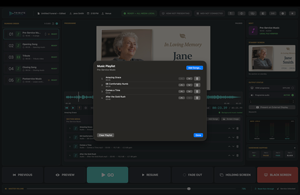
01 Prepare
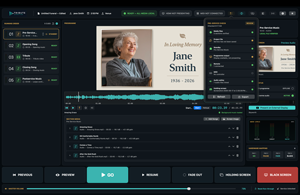
02 Verify
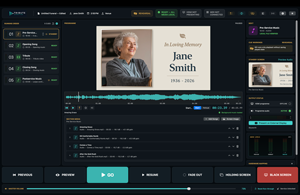
03 Rehearse
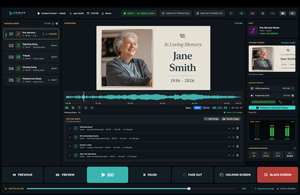
04 Run
05 Recover
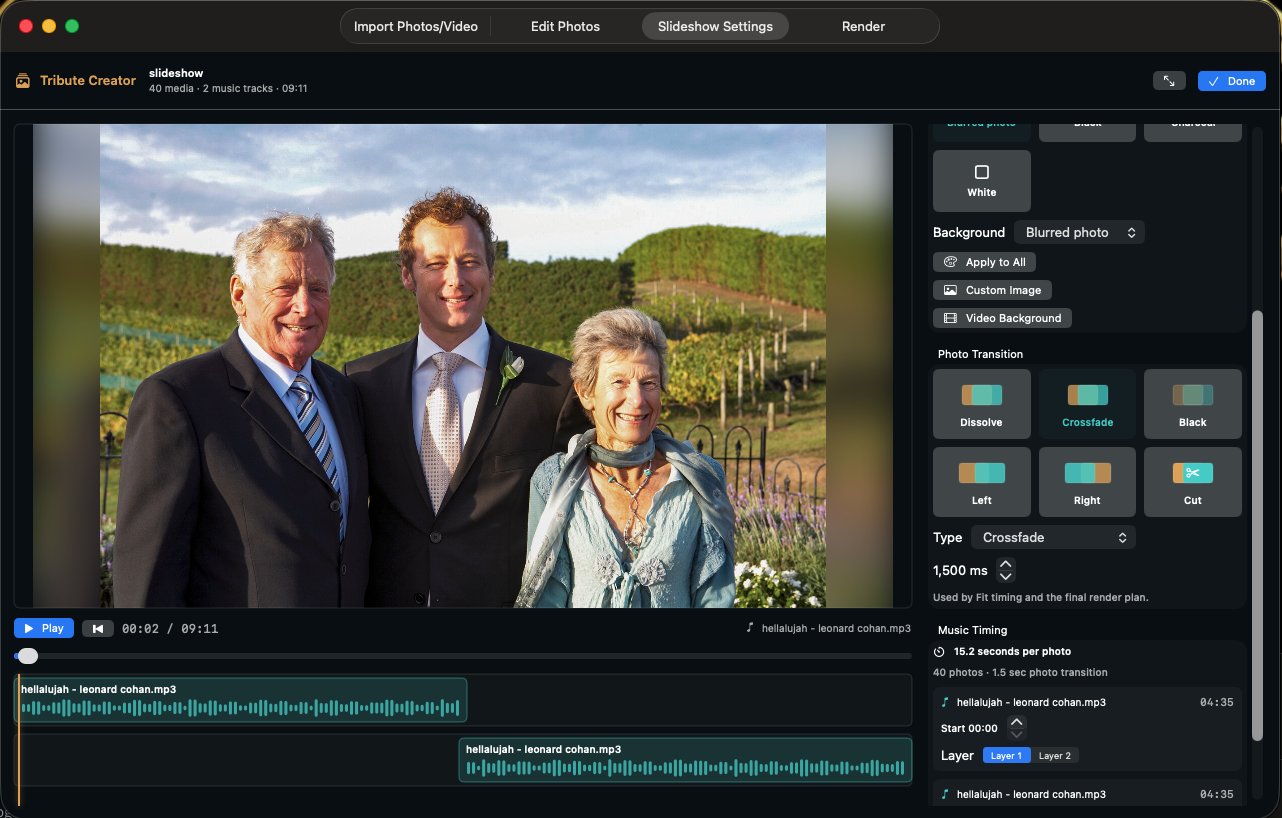
Coming Soon: Tribute Creator
Create beautiful, professional tribute videos with a simple, funeral-focused workflow. Collect photos from families via a secure upload link, arrange and enhance them with backgrounds, motion and transitions, automatically fit the slideshow to selected music, then send a lightweight preview for family approval before rendering the final service-ready MP4.
Simple to create. Easy to approve. Ready to play.
Media control
Built around the way funeral services actually run.
Music and playlists
Tribute video
Slideshows and images
Lyrics
Holding screens
More control over service audio
Room-aware operation
Stay in control, wherever the operator needs to be.
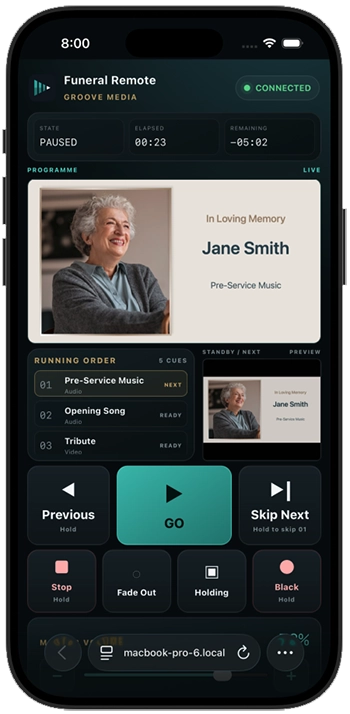
Phone and tablet remote
MIDI and hardware mapping
Programme and Confidence displays
Operator event log
Who it is for
Purpose-built for funeral media teams — not adapted from generic presentation software.
For funeral homes
For AV operators
For growing organisations
Software, support and updates
Everything you need to keep Tribute Director ready for the next service.
Licence management
Downloads & updates
Current Direct Release: 1.1.3 · Build 115.
Find downloads, update information and release notes in your customer account.
Knowledge base
Support
Frequently asked questions
Clear answers for funeral homes and operators evaluating a new control system.
Which platforms is Tribute Director available on?
Tribute Director is available for macOS 14.0 or later. A Windows / PC version is planned for future development.
Does it replace presentation software?
Can it be controlled remotely?
How is Tribute Director licensed?
Buy a direct Perpetual licence or a Monthly or Annual subscription. Monthly and Annual subscriptions are also available through the Mac App Store.
Updates are included while your subscription is active. Perpetual licences include 12 months of updates and support.